Medical & Healthcare
 Cybersecurity
 Travel & Hospitality
 Edtech
 Enterprise
 Non-Profit
 Fintech
 Agritech
 Retail & Real Estate
 Design for AI
Stop Sounding Like ChatGPT: A Practical Guide for Product Leaders
Make your copy sound human, not AI. Practical tips, word swaps, and prompts to boost trust, conversion, and brand recall across emails, pages, and release notes.


CONTENTS
Why Authenticity Moves Your Product Metrics7 Quick Tips to Stop Sounding AI-ish (and stay human)Social Share
CATEGORIES
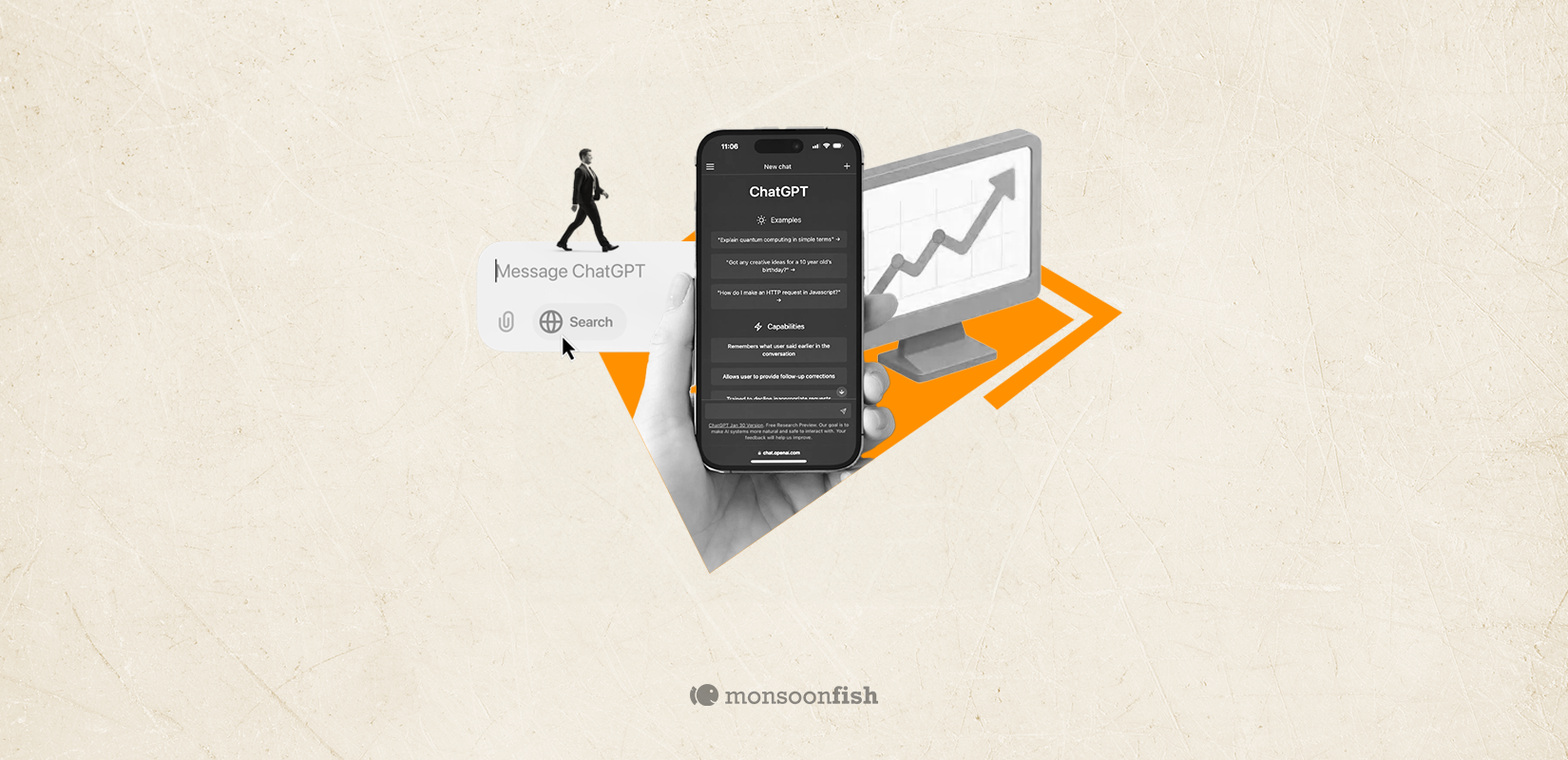
If your updates, emails, or release notes are starting to “delve” into things a lot… your audience can probably hear the AI in it. That matters, because trust is conversion’s oxygen. 70% of people who know or use gen-AI say AI content makes it harder to trust what they see online. When trust drops, so do activation, retention, and brand recall.
At the same time, language is drifting in a very AI way. A Preprint analyzed 740k hours of talks and podcasts and found many GPT-favored words (like “delve” and “meticulous”) rose 25–50% per year in real speech after ChatGPT launched. The AI accent is real and now, also detectable.
Why Authenticity Moves Your Product Metrics
- Activation & conversion: People try products they believe in. Robotic copy signals towards “generic,” which quietly destroys intent.
- Retention: Users stay with products that feel like they’re built by people who understand them, and speak like them.
- SEO: Helpful, specific language wins engagement time and backlinks whereas AI-ish fillers don’t.
Brand recall. Amongst so much AI sameness, having a distinct voice sticks out and stays with users and audiences.
7 Quick Tips to Stop Sounding AI-ish (and stay human)
- Cut the giveaway verbs. If a paragraph has two of: delve, underscore, bolster, meticulous, swiftly, amidst, furthermore, trim to zero or one. (We’re not banning them; we’re saving them for when they truly work.)
- Prefer short, specific verbs. Delve → explore / unpack / go deeper. Underscore → highlight. Bolster → back up / strengthen.
- Write like you talk to a person. Swap “users” for “you.” Instead of “Users can now…” try “Now you can…”.
- Start with the change, not the flourish. First sentence = what changed + why it matters. Flourish later.
- Add a human fingerprint. A tiny story, a customer name (with permission), a number, or a trade-off you considered.
- Impose constraints. Ask your writer or AI tool: “≤2 buzzwords, ≤2 commas per sentence, 15–18 words max per sentence.”
- Do a plain-English pass. Last step: “Rewrite this for a smart, impatient reader. Keep the meaning; reduce the fluff/unnecessary jargon.”
Additional tip: Keep a brand “watchlist” (words to use/avoid) and run a quick ⌘F/Ctrl+F before publishing.
Below are before/after prompt rewrites you or your team can paste into any AI tool. Each block adds voice notes, personal detail hooks, constraints, and a plain-English pass.
Authenticity isn’t about sounding casual, it’s about sounding particular to your customers, in your context. That’s the line between “generic AI” and a brand people remember (and buy from). See how we put that into practice.
CATEGORIES
Google is Solving for the First 10 minutes and More
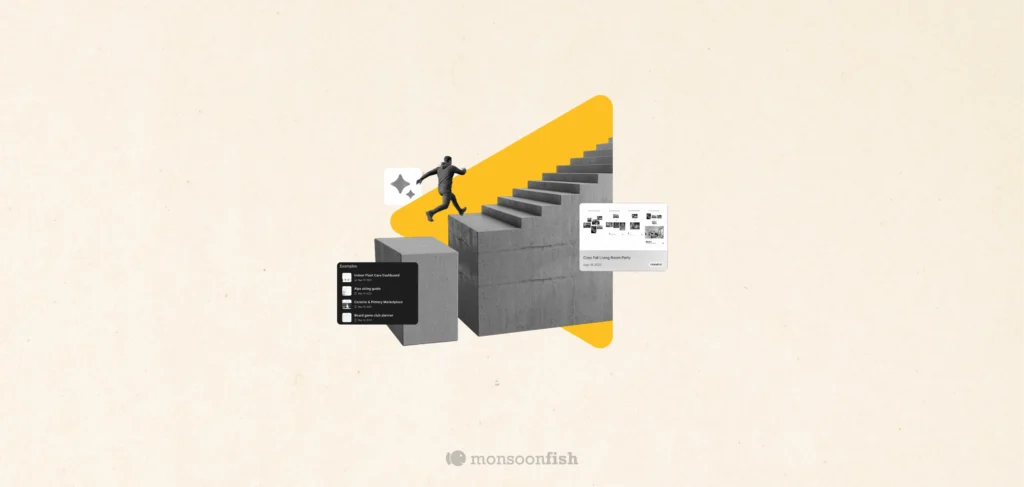
Google Labs is quietly building AI tools that don’t replace workflows, they sit on top of them. Learn how these contextual app layers reduce cognitive load at the exact moment users get stuck, and how to apply this thinking to your own product.
Why the Best Products Feel Simple… Until You Need More

The best products don’t show everything upfront they reveal complexity gradually. From Slack to Aadhaar, this “Onion Peel Design” approach helps users stay focused, confident, and in control. Instead of cutting features, the key is layering them—so users see what they need, exactly when they need it.
AI features Users Don’t Trust Yet: Designing for Trust
AI features can be powerful, but users still pause before trusting them. Not because they hate AI, but because the experience doesn’t make reliability obvious. This blog explores why trust breaks in AI products and the UX patterns that help users verify outputs, stay in control, and adopt AI with confidence.